Cloud Backup

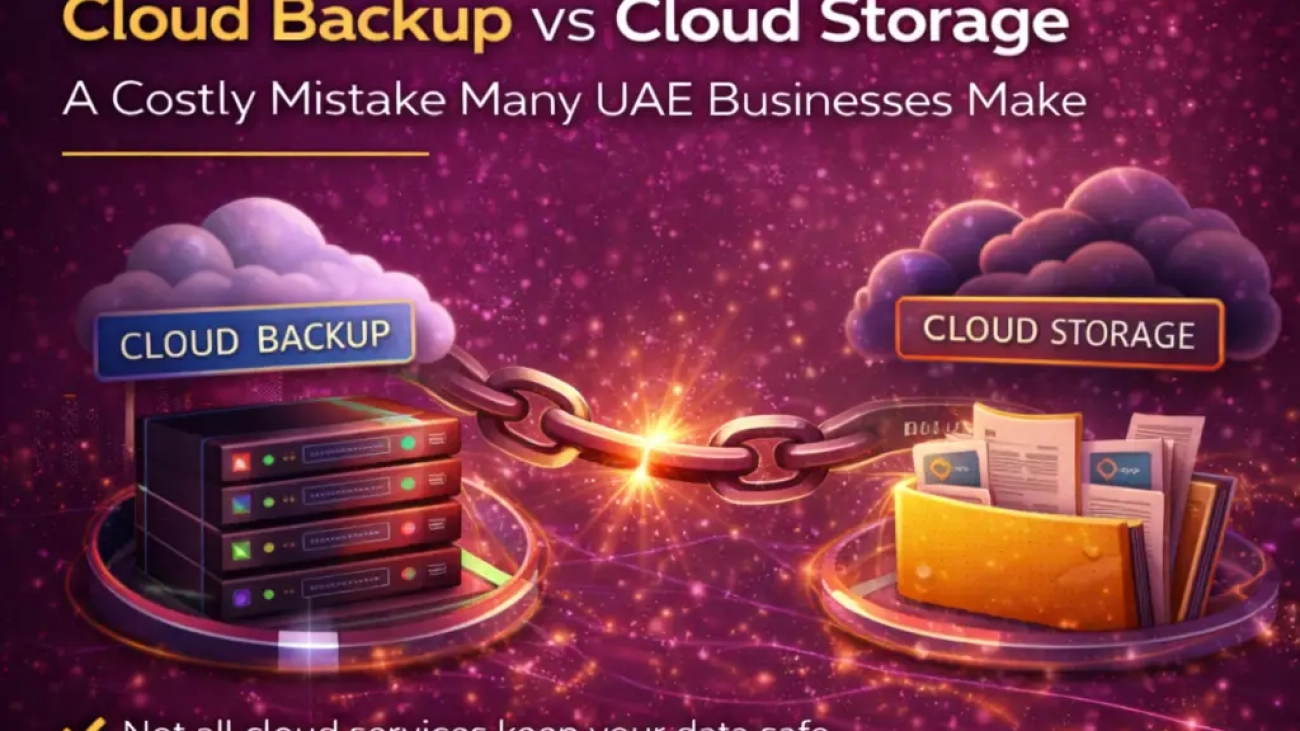
Cloud Backup vs Cloud Storage: A Costly Mistake Many UAE Businesses Make

Cloud Backup vs Cloud Storage: A Costly Mistake Many UAE Businesses Make

Cloud adoption in the UAE has accelerated rapidly. Businesses now store accounting data, emails, contracts, designs, customer records, and operational systems in the cloud. Yet one critical misunderstanding continues to cause serious financial and operational damage: confusing cloud storage with cloud backup.

Many UAE businesses assume that because their data is stored in the cloud, it is automatically protected. This assumption is incorrect—and often only discovered after data loss, ransomware incidents, accidental deletions, or compliance failures.

This article explains the difference between cloud storage and cloud backup, why the confusion is so dangerous, and how businesses can avoid a costly mistake.


Why This Confusion Is So Common in the UAE

Cloud services are often marketed as “secure,” “redundant,” and “always available.” While these claims are partially true, they are frequently misunderstood.

Most businesses use platforms such as:

  • Microsoft 365
  • Google Workspace
  • Cloud file drives and shared folders
  • Hosted accounting and ERP systems

Because these platforms are reliable, businesses assume they also function as backups. They do not.


What Cloud Storage Actually Is

Cloud storage is designed for access and collaboration, not recovery.

It allows businesses to:

  • Store files centrally
  • Share documents with teams
  • Access data from anywhere
  • Synchronize files across devices

If a file is deleted, overwritten, or corrupted, that change is usually synchronized instantly across all devices and users.

In simple terms:

Cloud storage mirrors your mistakes as efficiently as it mirrors your data.


What Cloud Backup Is (and Why It Is Different)

Cloud backup is designed for data recovery and business continuity.

A proper cloud backup system:

  • Creates independent, time-based copies of data
  • Retains multiple versions over defined periods
  • Protects against deletion, corruption, and ransomware
  • Allows restoration to a specific point in time

Backup systems operate separately from day-to-day file access and are governed by retention and recovery policies.


The Costly Risks of Relying Only on Cloud Storage

1. Accidental Deletions

Employees regularly delete or overwrite files unintentionally. In cloud storage:

  • Deleted files may sync instantly
  • Retention periods are limited
  • Recovery windows are short or nonexistent

Once the retention period expires, data is permanently lost.


2. Ransomware and Cyberattacks

Ransomware does not care whether data is on a local server or in the cloud.

When ransomware infects a synced device:

  • Encrypted files sync back to cloud storage
  • Clean versions are overwritten
  • Businesses lose access across all users

Without an isolated backup, recovery options are limited.


3. Insider Errors and Malicious Actions

Not all data loss is accidental.

Examples include:

  • Disgruntled employees deleting shared folders
  • Incorrect permissions exposing or removing files
  • Unauthorized changes made by third-party vendors

Cloud storage logs activity—but logs do not restore data.


4. Compliance and Audit Failures

Many UAE businesses are subject to:

  • Tax record retention requirements
  • Financial audit trails
  • Regulatory data retention obligations

If historical data cannot be restored when requested, businesses may face penalties, audit qualifications, or legal exposure.


Why “Built-In” Cloud Protection Is Not Enough

Cloud providers protect their infrastructure, not your business decisions.

They ensure:

  • Server uptime
  • Hardware redundancy
  • Platform availability

They do not guarantee:

  • Recovery from user error
  • Protection against logical data loss
  • Long-term retention for compliance

This responsibility gap is where many businesses get caught off guard.


Real-World Scenarios Seen in UAE Businesses

Common situations include:

  • Accounting data overwritten during year-end adjustments
  • Email archives lost during staff exits
  • Design files permanently deleted during project revisions
  • CRM data corrupted after system integrations

In almost every case, the business believed its cloud platform was “fully backed up.”


Backup Is Not an IT Luxury—It Is a Business Control

Cloud backup should be treated as a risk management and governance requirement, not a technical add-on.

A proper backup strategy includes:

  • Independent backup systems separate from production platforms
  • Defined retention policies aligned with legal requirements
  • Regular recovery testing
  • Restricted access to backup environments
  • Monitoring and reporting

Backup only works if it can be restored.


The Cost Argument That Backfires

Many businesses avoid backup solutions to reduce monthly costs. This is short-term thinking.

Compare:

  • Monthly backup cost: minimal and predictable
  • Cost of data loss: downtime, reputational damage, compliance penalties, lost clients

In almost every case, the cost of not backing up far exceeds the cost of doing it properly.


How UAE Businesses Should Approach Cloud Data Protection

To avoid this common mistake, businesses should:

  • Clearly separate cloud storage and backup functions
  • Implement third-party or independent backup solutions
  • Align backup retention with tax and legal requirements
  • Educate management—not just IT teams—on data risk
  • Periodically review backup coverage as systems change

Cloud adoption without backup planning is incomplete.


Final Thoughts

Cloud storage is an excellent tool for collaboration and efficiency. But it is not a safety net.

Many UAE businesses only realize the difference between cloud storage and cloud backup after something goes wrong—when recovery is no longer possible. At that point, the damage is already done.

Understanding this distinction and investing in proper backup architecture is not just an IT decision. It is a business continuity, compliance, and risk management decision that every organization must address.
Ransomware 1

Ransomware in 2026: Why Most Business Backups Fail When You Need Them Most

Ransomware in 2026: Why Most Business Backups Fail When You Need Them Most

Introduction

Ransomware has evolved from an IT inconvenience into a business-critical threat. In 2026, attackers are no longer just encrypting files—they are targeting backups, exploiting recovery gaps, and applying double or triple extortion tactics.

Many UAE businesses believe they are protected because they “have backups.” Unfortunately, when an actual ransomware incident occurs, those backups often fail at the worst possible moment—leading to prolonged downtime, financial loss, regulatory exposure, and reputational damage.

This article explains why business backups fail during ransomware attacks and what organizations must do to ensure true recoverability.


What Has Changed in Ransomware Attacks?

Modern ransomware attacks are strategic, silent, and persistent:

  • Attackers infiltrate systems weeks or months before launching encryption

  • Backup repositories are identified, corrupted, or deleted in advance

  • Data is exfiltrated before encryption, enabling blackmail and legal pressure

  • Cloud and SaaS environments are now primary targets, not just on-prem servers

The result: businesses discover that their backups are incomplete, inaccessible, or compromised.


The Core Reasons Business Backups Fail

1. Cloud Storage Is Mistaken for Backup

Many organizations rely on platforms like cloud drives or SaaS platforms assuming they are “backed up.”

Reality:

  • Sync ≠ backup

  • Encrypted or deleted files replicate instantly across devices

  • No clean restore point exists

This is one of the most common and costly misconceptions.


2. Backups Are Not Isolated from the Network

If backups are:

  • On the same domain

  • Using the same admin credentials

  • Always online

Then ransomware can encrypt the backups first, eliminating recovery options.


3. Backup Credentials Are Compromised

Attackers frequently:

  • Steal admin credentials

  • Disable backup jobs

  • Delete historical restore points

Most businesses only discover this after the attack, when restoration fails.


4. No Regular Backup Testing

A backup that has never been tested is theoretical protection.

Common failures include:

  • Corrupted backup files

  • Incomplete system images

  • Missing databases or applications

  • Restore times exceeding acceptable downtime

During a ransomware crisis, testing is no longer an option.


5. Insufficient Backup Retention Policies

Short retention windows mean:

  • All clean restore points are overwritten

  • Infections that remain dormant go unnoticed

  • Businesses are forced to restore infected data—or none at all


6. No Disaster Recovery or Business Continuity Plan

Even when data is recoverable, businesses fail because:

  • Recovery timelines are undefined

  • Systems are restored in the wrong order

  • Critical dependencies are missed

  • Operations remain offline for days or weeks

Backups alone do not equal business continuity.


The Real Impact on Businesses

When backups fail during ransomware attacks, organizations face:

  • Prolonged operational downtime

  • Loss of customer trust

  • Regulatory penalties and compliance breaches

  • Contractual disputes and legal claims

  • Permanent data loss

  • Forced ransom payments with no guarantee of recovery

For SMEs, this can mean business closure, not just disruption.


What a Ransomware-Resilient Backup Strategy Looks Like

To survive ransomware in 2026, businesses must implement:

✔ Immutable Backups

Backups that cannot be altered or deleted, even by administrators.

✔ Offline or Air-Gapped Copies

At least one copy completely isolated from the network.

✔ Multi-Layer Backup Architecture

  • On-site

  • Off-site

  • Cloud-based (with immutability)

✔ Role-Based Access Controls

Separate credentials for production systems and backups.

✔ Regular Restore Testing

Scheduled recovery drills, not just backup verification.

✔ Defined RTO & RPO

Clear recovery time and recovery point objectives aligned with business risk.


Why This Matters for UAE Businesses

In the UAE, ransomware incidents increasingly intersect with:

  • Data protection obligations

  • Client confidentiality requirements

  • Financial reporting and tax record retention

  • Operational continuity expectations

A failed recovery can quickly escalate from an IT issue to a legal, financial, and reputational crisis.


Final Thoughts

In 2026, ransomware is not a question of if, but when.
The critical question is:

Will your backups actually work when everything else fails?

Businesses that invest in proper backup architecture, recovery testing, and continuity planning will survive ransomware attacks. Those that rely on assumptions will not.


Want to Strengthen Your Backup & Recovery Strategy?

If your organization has not:

  • Tested full data restoration

  • Reviewed backup isolation

  • Assessed ransomware readiness

Now is the time.

A proactive approach costs far less than recovery under attack.

Cyber Security

Cybersecurity Challenges for SMEs in the UAE: Why Small Businesses Are the Prime Target

Cybersecurity Challenges for SMEs in the UAE: Why Small Businesses Are the Prime Target

Cybersecurity is often perceived as a concern only for large enterprises, banks, or government entities. In reality, small and medium-sized enterprises (SMEs) in the UAE are now the primary targets of cyberattacks. Attackers increasingly view SMEs as easier, faster, and more profitable entry points.

Many UAE SMEs believe they are “too small to be targeted.” This assumption is not only incorrect—it is one of the main reasons cybercriminals succeed.

This article explains why SMEs are prime targets, the most common cybersecurity challenges they face, and what practical steps can reduce risk.


Why Cybercriminals Prefer Targeting SMEs

Cyberattacks today are largely automated and opportunistic. Attackers are not always looking for high-profile victims; they are looking for weak defenses.

SMEs typically have:

  • Limited IT budgets
  • Minimal cybersecurity oversight
  • Overworked staff handling IT informally
  • No dedicated security policies or incident plans

From an attacker’s perspective, SMEs offer high success rates with low effort.


The UAE Context: Digital Growth Without Security Maturity

The UAE has aggressively promoted digital transformation, cloud adoption, remote work, and e-commerce. While this has accelerated business growth, security practices have not always kept pace—especially among SMEs.

Cybersecurity oversight and national awareness initiatives are supported by entities such as the UAE Cybersecurity Council and the Telecommunications and Digital Government Regulatory Authority (TDRA). However, implementation at the SME level remains inconsistent.


The Most Common Cybersecurity Challenges Faced by SMEs

1. Weak or Reused Passwords

Despite awareness campaigns, password hygiene remains one of the biggest vulnerabilities.

Common issues include:

  • Reused passwords across systems
  • Shared logins between employees
  • No multi-factor authentication (MFA)
  • Credentials stored insecurely

Once one account is compromised, attackers often gain access to multiple systems.


2. Phishing and Social Engineering Attacks

Phishing remains the most effective attack method against SMEs.

Attackers exploit:

  • Fake invoices and payment requests
  • Email impersonation of suppliers or management
  • WhatsApp and SMS-based scams
  • Urgent requests that bypass verification

Because SMEs often lack formal verification procedures, employees act quickly—and attackers succeed.


3. Lack of Endpoint Protection

Many SMEs rely solely on basic antivirus software—or none at all.

This exposes them to:

  • Ransomware
  • Spyware and keyloggers
  • Remote access trojans
  • Silent data exfiltration

Endpoints such as laptops and desktops are often the weakest link, especially with remote or hybrid work models.


4. Cloud Misconfigurations

SMEs increasingly use cloud platforms for email, accounting, storage, and CRM. However, cloud security is often misunderstood.

Common mistakes include:

  • Assuming cloud providers handle all security
  • Overly broad access permissions
  • No monitoring of login activity
  • No backup or recovery planning

Cloud services are secure—but only when configured correctly.


5. No Backup or Incident Recovery Plan

One of the most damaging gaps is the absence of proper backups and recovery procedures.

When incidents occur:

  • Businesses do not know what data is affected
  • There is no clean restore point
  • Operations are halted for days or weeks

Ransomware attacks are especially devastating for SMEs without isolated backups.


6. Unpatched Systems and Software

Outdated systems remain a major entry point for attackers.

SMEs often delay updates because:

  • Systems are “working fine”
  • Updates may disrupt operations
  • No one is assigned patch responsibility

Attackers actively scan for known vulnerabilities and exploit them at scale.


The Real Impact of a Cyber Incident on SMEs

Unlike large organizations, SMEs rarely have the resilience to absorb cyber losses.

Consequences often include:

  • Business downtime and lost revenue
  • Loss of customer trust
  • Legal and regulatory exposure
  • Permanent data loss
  • Reputational damage

In many cases, SMEs never fully recover from a major cyber incident.


Compliance Is Becoming a Business Requirement

Cybersecurity is no longer just an IT issue—it is a governance and compliance issue.

SMEs increasingly face:

  • Client cybersecurity questionnaires
  • Contractual security requirements
  • Data protection obligations
  • Audit and assurance expectations

Failing to meet basic security standards can result in lost business opportunities, even without an actual attack.


Why SMEs Delay Cybersecurity Investments

Common reasons include:

  • Viewing cybersecurity as a cost, not protection
  • Overconfidence in “common sense” controls
  • Assuming insurance will cover losses
  • Belief that attacks only affect large firms

Unfortunately, attackers rely on these exact assumptions.


Practical Steps SMEs Can Take to Reduce Risk

Cybersecurity does not require enterprise-level budgets to be effective.

SMEs should focus on:

  • Enforcing strong passwords and MFA
  • Training staff to recognize phishing attempts
  • Deploying basic endpoint security and monitoring
  • Implementing proper cloud backups
  • Restricting system access based on roles
  • Creating a simple incident response plan

Consistency matters more than complexity.


Final Thoughts

SMEs are not targeted despite being small—they are targeted because they are small. Cybercriminals know that smaller businesses often lack the controls, awareness, and recovery capability of larger organizations.

In the UAE’s increasingly digital economy, cybersecurity is no longer optional for SMEs. It is a fundamental requirement for business continuity, compliance, and long-term survival.

Investing in basic cybersecurity controls today is far less costly than responding to a serious incident tomorrow.